Ummm Help? Stream not completing

Quote from Keith Ealanta on March 10, 2025, 1:17 pmI've had my k40 and Gerbil for a good while now. I had it all running fairly well, and was starting to do some fun stuff with it, but now something odd has happened.
When I run a job the stream processes fine, generally (but not always) to the end, but then it stalls. I've attached an image of the display - by this point the whole job had completed, the laser was off, and the head had returned to home, it just stayed at this state with the timer ticking up.
Sometimes it only gets 3/4 of the way through the job and stops like this (I've not yet tested if that happens after multiple runs - i.e. and overheating issue or similat)
Usually, when the job has completed, the stop button works and I can then run another job. This doesn't seem to work if it stopped earlier, but of course with inconsistent results I'm not certain of any correlation.
I've tried powering off the device, and getting the latest version of light burn, and also tried earlier versions of lightburn (in case it was a lightburn issue). As far as I can see it's grbl issue, though I'm definitely unsure.An example that might give clarity - I have a macro ser up to perform a system reset.
All it does is
$X
When I run that it appears to work, but then stalls at 66% completed each time.
It is possible that in "improving" things I've acciedntally changed some setting that is causing this. I'd be delighted to hear a simple tweak would fix it.Can anyone advise how to fix this or even how to diagnose the problem?
I've had my k40 and Gerbil for a good while now. I had it all running fairly well, and was starting to do some fun stuff with it, but now something odd has happened.
When I run a job the stream processes fine, generally (but not always) to the end, but then it stalls. I've attached an image of the display - by this point the whole job had completed, the laser was off, and the head had returned to home, it just stayed at this state with the timer ticking up.
Sometimes it only gets 3/4 of the way through the job and stops like this (I've not yet tested if that happens after multiple runs - i.e. and overheating issue or similat)
Usually, when the job has completed, the stop button works and I can then run another job. This doesn't seem to work if it stopped earlier, but of course with inconsistent results I'm not certain of any correlation.
I've tried powering off the device, and getting the latest version of light burn, and also tried earlier versions of lightburn (in case it was a lightburn issue). As far as I can see it's grbl issue, though I'm definitely unsure.
An example that might give clarity - I have a macro ser up to perform a system reset.
All it does is
$X
When I run that it appears to work, but then stalls at 66% completed each time.
It is possible that in "improving" things I've acciedntally changed some setting that is causing this. I'd be delighted to hear a simple tweak would fix it.
Can anyone advise how to fix this or even how to diagnose the problem?
Uploaded files: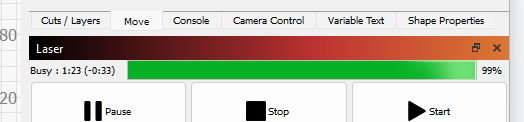
Quote from Paul on March 10, 2025, 3:41 pmHi,
This can be anything but will list here my things that can happen;
- Electrical noise like a motor or pump switching on. Try another power point and isolate the noise. e.g. disconnect limit switches and try to run without and see if that limit switch picked up the noise.
- Break up the file in small bits and test where it stops. It might be an invalid g code cause grbl to halt. Sometimes using the enter key starts grbl to skip the false line and continue
- too high accuracy of the arc's set the accuracy t0 a higher number e.g. from 0.02 to 0.2 and see if that helps.
- Arcing laser that causes the system to stop
- Dust or debris on the controller
- Bad connectors
- Too high acceleration settings and stuck gantry
- swap the stepsticks and see if they got too hot. They have thermal switch off points if they get too hot. Reduce the setting of the little tiny pots on each stepper... anything else?
Pls let me know what you found.
Hi,
This can be anything but will list here my things that can happen;
- Electrical noise like a motor or pump switching on. Try another power point and isolate the noise. e.g. disconnect limit switches and try to run without and see if that limit switch picked up the noise.
- Break up the file in small bits and test where it stops. It might be an invalid g code cause grbl to halt. Sometimes using the enter key starts grbl to skip the false line and continue
- too high accuracy of the arc's set the accuracy t0 a higher number e.g. from 0.02 to 0.2 and see if that helps.
- Arcing laser that causes the system to stop
- Dust or debris on the controller
- Bad connectors
- Too high acceleration settings and stuck gantry
- swap the stepsticks and see if they got too hot. They have thermal switch off points if they get too hot. Reduce the setting of the little tiny pots on each stepper... anything else?
Pls let me know what you found.
Quote from Keith Ealanta on March 12, 2025, 5:18 pmThanks Paul.
My impression is that some sort of "end of processing" signal isn't being reported from the grbl Not that I know what that is, but in general, it issues all commands, but never reports completion - I think we can ignore the "stopped part way" ones as being caused by odd state from start and stops etc. The process works, and all moves are completed, but lightburn stays with the process incomplete and the timer ticking up. It can be stopped, and then runs the next job to the same point.
To answer your test suggestions,
In order...
1. No limit switches
2. Fails on any gcode - even just a simple $X command.
3. fails with no arcs
4. fails with the laser off.
5. Have cleaned the controller - no apparent dust or debris, no change after cleaning
6. Not sure how to check this. Everything seems connected and working fine.
7. same as 4 - fails with a no-move, but gantry moves fine when asked.
8. StepSticks? Not sure what they are - I've guess and will have a try, but again, running fine apart from that concluding signal.Is there any command to increase logging?
FWIW, I've added air recently, but it's now unplugged in case it was causing issues.
The SSR I'm using takes a Gnd, Vcc and Control lines (Current sinking is tiny) to show an LED indicator of status.
Which points would you suggest to draw/sink Vcc and Gnd from? My concern is if I've sourced Vcc/Gnd from a different part of the circut that isn't compatible with the Air control line.
Thanks Paul.
My impression is that some sort of "end of processing" signal isn't being reported from the grbl Not that I know what that is, but in general, it issues all commands, but never reports completion - I think we can ignore the "stopped part way" ones as being caused by odd state from start and stops etc. The process works, and all moves are completed, but lightburn stays with the process incomplete and the timer ticking up. It can be stopped, and then runs the next job to the same point.
To answer your test suggestions,
In order...
1. No limit switches
2. Fails on any gcode - even just a simple $X command.
3. fails with no arcs
4. fails with the laser off.
5. Have cleaned the controller - no apparent dust or debris, no change after cleaning
6. Not sure how to check this. Everything seems connected and working fine.
7. same as 4 - fails with a no-move, but gantry moves fine when asked.
8. StepSticks? Not sure what they are - I've guess and will have a try, but again, running fine apart from that concluding signal.
Is there any command to increase logging?
FWIW, I've added air recently, but it's now unplugged in case it was causing issues.
The SSR I'm using takes a Gnd, Vcc and Control lines (Current sinking is tiny) to show an LED indicator of status.
Which points would you suggest to draw/sink Vcc and Gnd from? My concern is if I've sourced Vcc/Gnd from a different part of the circut that isn't compatible with the Air control line.
Quote from Paul on March 12, 2025, 11:34 pmThe failing on any gcode might be the issue. Do you use the correct device "stm gerbil" and com port in lightburn? Also you can check if the stm32 vcp com port driver is working by using the device manager in windows. Under com ports you should see the vcp com driver and status. If coms is there, you can change the lightburn device setting from buffered to synchronous to check if that makes a change. Pls let me know what found so I can direct you to steps to getting it working. The other issue might be indeed the external sold state relay. Just remove it to see if it solves anything. Good luck and looking forward to your responses
Paul
The failing on any gcode might be the issue. Do you use the correct device "stm gerbil" and com port in lightburn? Also you can check if the stm32 vcp com port driver is working by using the device manager in windows. Under com ports you should see the vcp com driver and status. If coms is there, you can change the lightburn device setting from buffered to synchronous to check if that makes a change. Pls let me know what found so I can direct you to steps to getting it working. The other issue might be indeed the external sold state relay. Just remove it to see if it solves anything. Good luck and looking forward to your responses
Paul
Quote from Keith Ealanta on March 27, 2025, 10:36 amThanks Paul - I'm not sure which of two changes fixed it, but it seems to be working now.
The fixes I made were -
1. It was on grbl but not stm - grbl (possibly deleted the wrong profile)
2. It was running through a USB hup (so I could plug in with a USB-C to my laptop) - I found a hidden USB-A port on the laptop and plugged into that.
At somepoint I'll try with the hub again and see if that was the cause or if it was the profile.
Thanks Paul - I'm not sure which of two changes fixed it, but it seems to be working now.
The fixes I made were -
1. It was on grbl but not stm - grbl (possibly deleted the wrong profile)
2. It was running through a USB hup (so I could plug in with a USB-C to my laptop) - I found a hidden USB-A port on the laptop and plugged into that.
At somepoint I'll try with the hub again and see if that was the cause or if it was the profile.
Quote from Paul on March 27, 2025, 10:45 amWell done! Sometimes it can be tricky with Windows. Some Windows laptop make a port go sleep to save power (you can check that via Device Manager in the properties). USB hubs are notorious for having their specific USB protocol implementations. Especially Chinese brands so better not to use a hub.
In Lightburn you can switch from buffered to synchronous mode (ping pong messaging where grbl acknowledges every single line of gcode) which sometimes helps with comms issues. You can do that in Lightburn via the Device properties, mode list box with the choices "buffered" and "synchronous".
Show us what you make with the laser.
Enjoy!
Well done! Sometimes it can be tricky with Windows. Some Windows laptop make a port go sleep to save power (you can check that via Device Manager in the properties). USB hubs are notorious for having their specific USB protocol implementations. Especially Chinese brands so better not to use a hub.
In Lightburn you can switch from buffered to synchronous mode (ping pong messaging where grbl acknowledges every single line of gcode) which sometimes helps with comms issues. You can do that in Lightburn via the Device properties, mode list box with the choices "buffered" and "synchronous".
Show us what you make with the laser.
Enjoy!
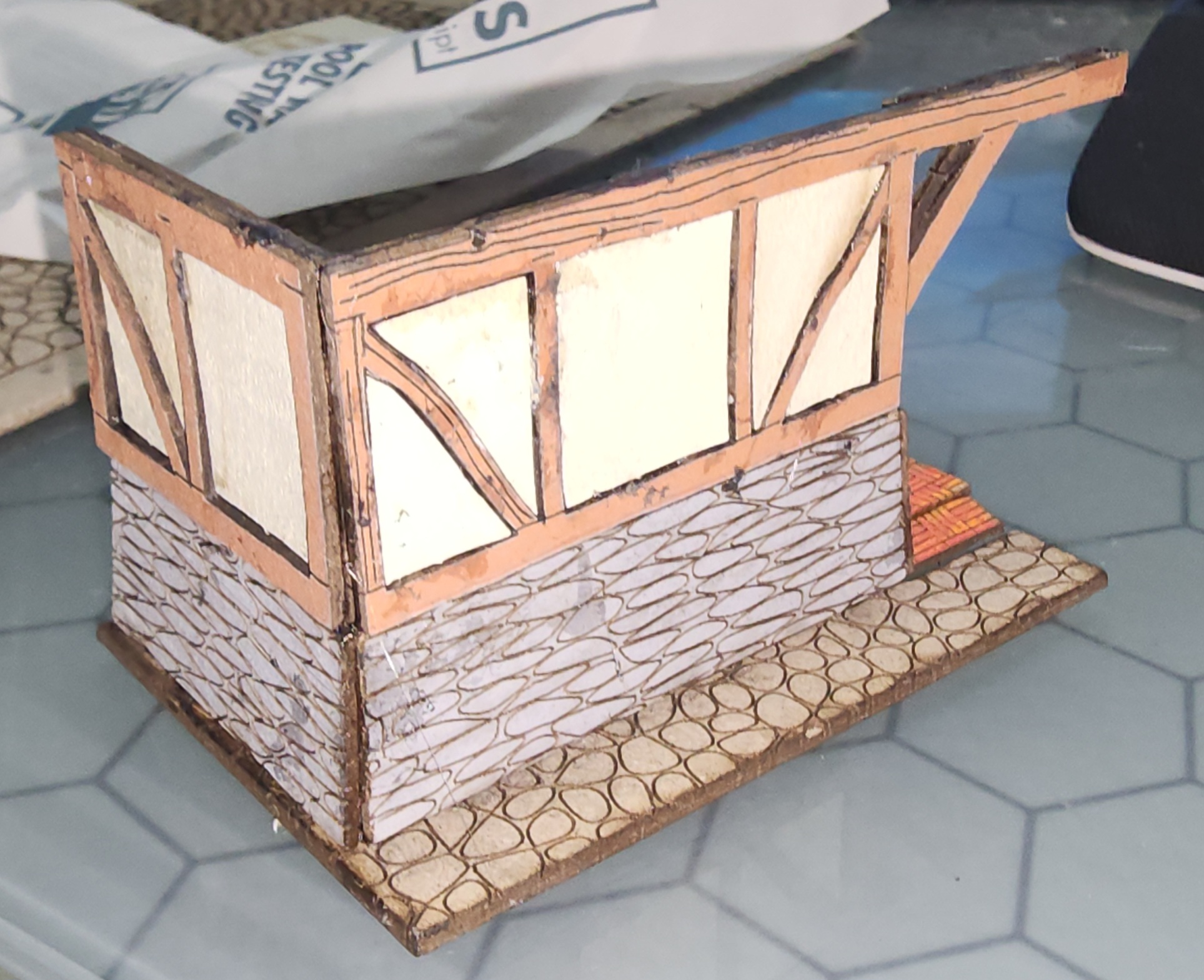
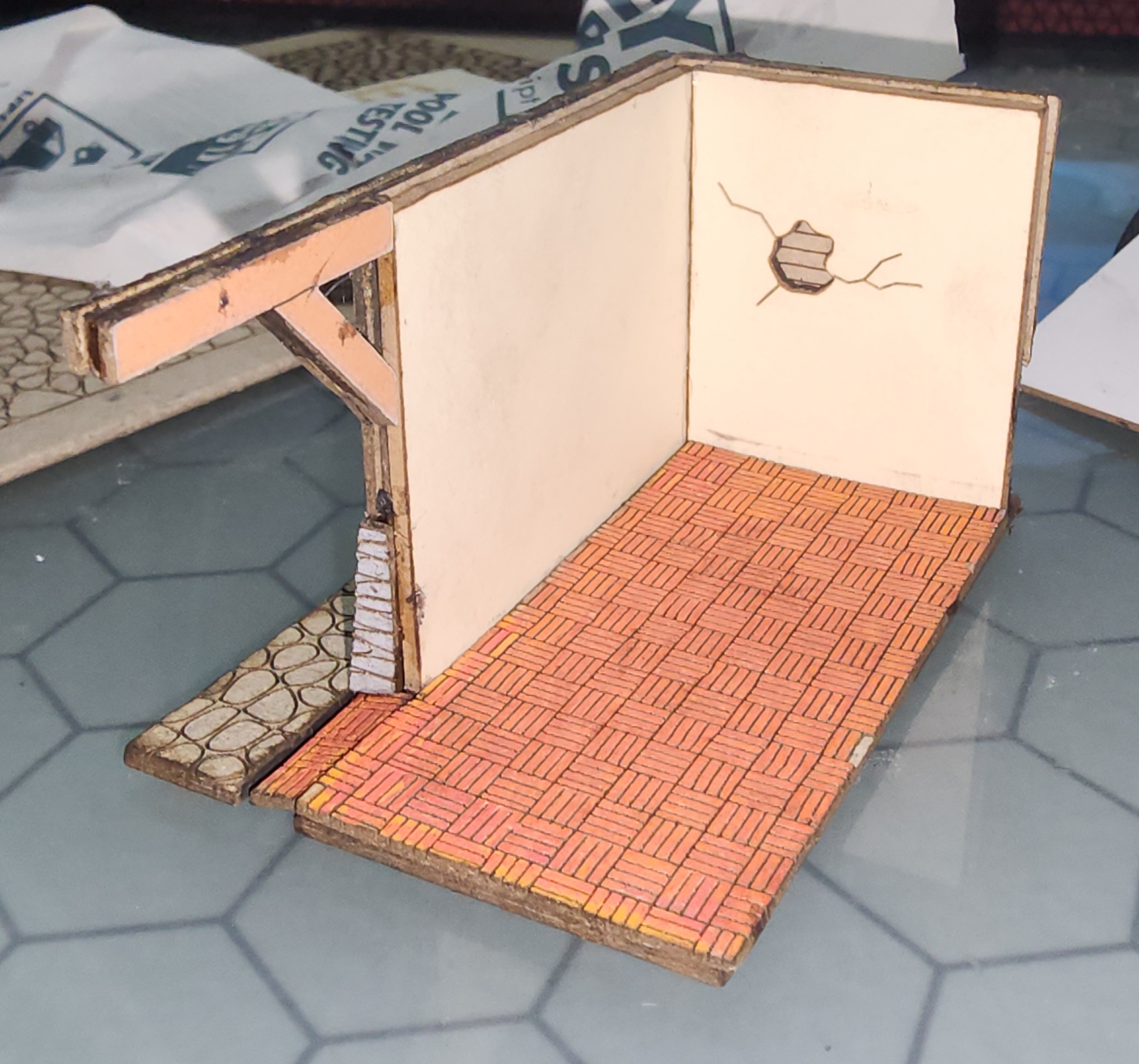
Quote from Keith Ealanta on March 27, 2025, 11:00 amTheres probably a better spot to show it, but here's the first test piece I did for my current project...
Theres probably a better spot to show it, but here's the first test piece I did for my current project...
Uploaded files: